Connected wirelessly
Connect the buzzer to your device via Bluetooth. It behaves like a Bluetooth keyboard.
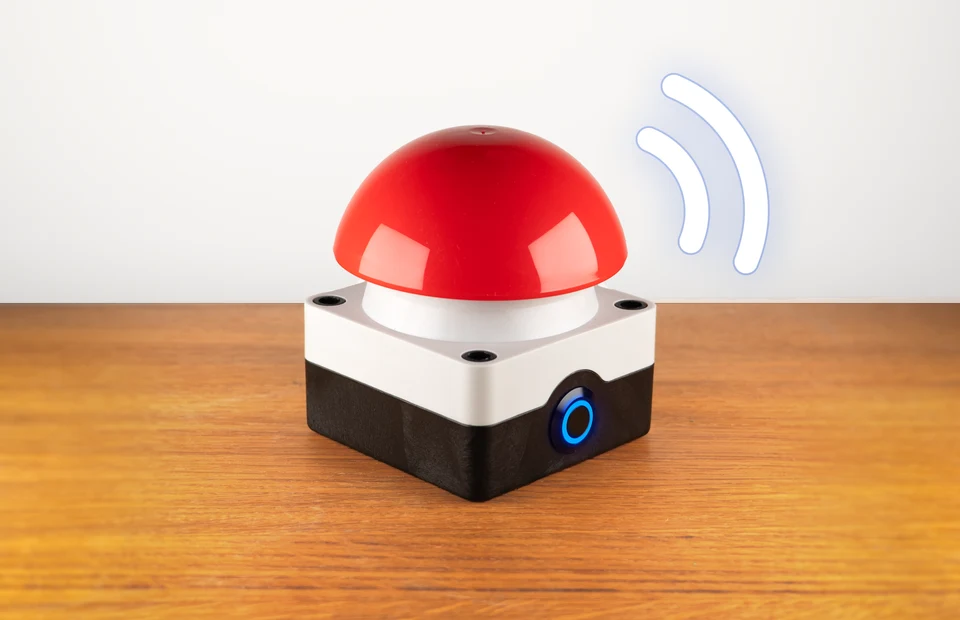
Turn your keyboard shortcut into a button press. The buzzer works like a keyboard with computers, tablets and smartphones. Connect via Bluetooth, set the key and change it anytime.
★★★★★5.025 reviews on Etsy · Over 200 orders ↗Available now · Delivery in 3–7 business days
Connect the buzzer to your device via Bluetooth. It behaves like a Bluetooth keyboard.
You can configure the key in your browser. To do this, connect the buzzer to your computer via USB. You’ll need a desktop computer with Chrome or Edge.
The built-in battery charges via USB-C and lasts several weeks. You don’t need a cable while using it. The charger is included.
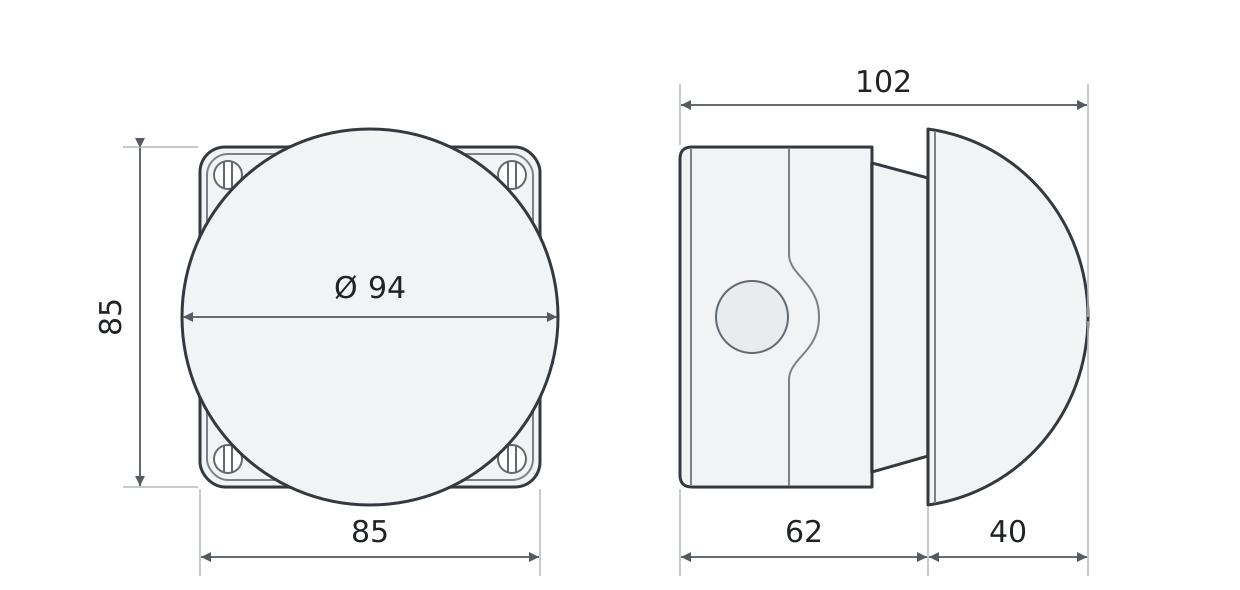
Top and side views · All dimensions in mm
The Bluetooth buzzer does not play a sound itself. It sends a keypress to your computer. Your software can trigger a sound or another action.
This depends on several factors, but you can expect a battery life of 10 to 20 days.
Yes! Press the LED button on the front three times quickly, then hold it down. This switches the buzzer off. Press the button again to turn it back on.
The buzzer has a built-in battery that you charge via USB-C.
The Bluetooth buzzer connects wirelessly and has a battery. The USB buzzer remains connected to your device by cable during use.
Yes, we are a registered business in Germany. Simply enter your billing address when ordering.
Yes. To configure the Bluetooth buzzer, connect it to your computer via USB. Set the key or keyboard shortcut in the browser configurator. Then use it wirelessly via Bluetooth.